
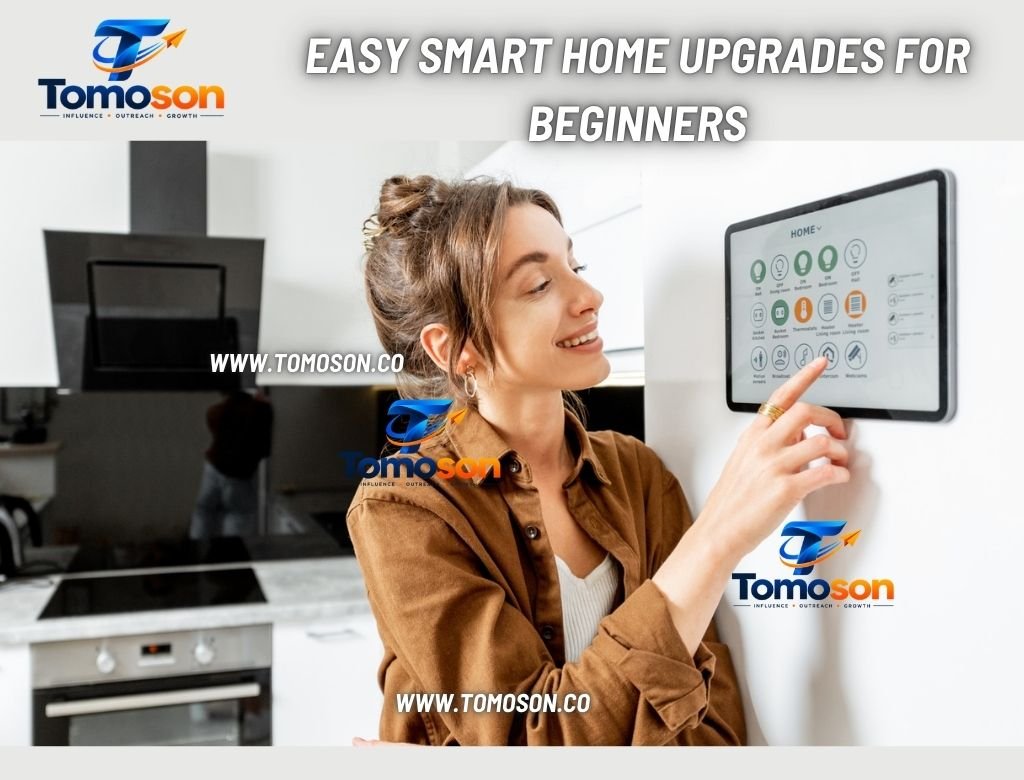
Smart home devices can make a house more convenient, comfortable, and secure without a big investment. You do not need to rebuild your home or learn complicated systems. The best way to begin is with simple, low-cost devices that solve everyday problems. This guide explains easy smart home upgrades for beginners and how to add them safely.
Start With a Clear Goal
Before buying anything, decide what you want smart devices to do. You might want to save energy, improve security, control lighting more easily, or simply make daily routines smoother. A clear goal stops you from buying gadgets you will not use. Start with one problem, solve it well, and add more devices later.
Choose a Platform
Most smart devices work with a voice assistant or app, such as Google Home, Amazon Alexa, or Apple Home. Choose one ecosystem and check that new devices are compatible. Mixing too many systems can cause confusion and make devices harder to control. If you already use a smartphone or smart speaker, start with the platform that works best with it.
Smart Bulbs and Lighting
Smart bulbs are one of the easiest upgrades. They screw into normal fittings and let you control brightness, colour, and schedules from your phone or voice. Set lights to turn on at sunset, dim in the evening, or switch off when you leave. Smart switches and dimmers offer similar control for fixed lights. Lighting upgrades are cheap, simple, and make a noticeable difference.
Smart Plugs
Smart plugs turn ordinary lamps, fans, and small appliances into smart devices. Plug them in, connect to Wi-Fi, and control them remotely or on a timer. They can also show how much energy a device uses. Use them for coffee makers, holiday lights, or heaters, but avoid plugging in high-power devices that are not rated for the plug.
Smart Thermostats
A smart thermostat can help manage heating and cooling more efficiently. It can learn your routine, adjust temperatures when you are away, and let you change settings from your phone. Check compatibility with your existing boiler or air conditioning system before buying. Over time, a thermostat can reduce energy use and improve comfort.
Video Doorbells and Security Cameras
Security devices give peace of mind. A video doorbell lets you see and talk to visitors, and indoor or outdoor cameras monitor key areas. Choose devices with clear video, reliable alerts, and secure storage. Place cameras thoughtfully, and respect neighbours’ privacy. Check local rules about recording, especially for cameras facing public areas.
Consider Your Home’s Age
Older homes may need extra checks before adding smart devices. Wiring may be outdated, walls may be thick enough to weaken Wi-Fi signals, and some fittings may not suit modern devices. Owners of older homes should check wiring and Wi-Fi coverage before adding devices, and This Old Houses has useful advice on caring for older properties. A mesh Wi-Fi system can help cover large or thick-walled homes.
Blend Technology With Your Decor
Smart devices should not spoil the look of a room. Choose neutral colours, hide cables, and place hubs and speakers where they blend in. Use smart lighting to highlight decor and set the mood. Once the technology is in, keep it looking neat, and for styling ideas that blend devices into the room, see Decor Luxury Home.
Protect Your Privacy and Security
Smart devices connect to your network, so basic security matters. Use strong, unique passwords, enable two-factor authentication, and keep device software updated. Change default settings and review app permissions. Place smart devices on a separate guest network if your router allows it. Buy from reputable brands that provide regular updates.
Keep It Simple and Grow Slowly
Beginners often buy too much at once. Start with one or two devices, such as a smart bulb and a plug, and see how you use them. Learn the app, set simple routines, and expand only when you are comfortable. Make sure every household member knows how to use the devices, including manual controls.
Final Thoughts
Start with one or two devices that solve a real problem, then add more as you get comfortable. Choose a platform, protect your network, and make sure technology suits your home and decor. With a careful, step-by-step approach, smart upgrades can make your home easier, safer, and more enjoyable to live in.










One Comment